
How to build an app with AI, without coding
To build an app with AI, describe it in plain English to an AI app builder like Replit, Lovable or Bolt, one small step at a time, and test each step before the next. Plan the screens and data first, then build, secure and launch.
The 5 steps
- Plan: list the screens, the data you store and who logs in.
- Foundation: ask the AI for the main pages and database.
- Features: add one feature per prompt, then test it.
- Lock it down: logins, permissions and input checks on the server.
- Launch: custom domain, speed check and backups.
Apps people build first
- Booking and scheduling apps
- Customer portals
- CRMs and lead trackers
- Internal tools and dashboards
- AI chatbots
Where most beginners get stuck
They ask for the whole app in one prompt. The AI guesses, and the app breaks in ways that are hard to fix. VibeCoder U blueprints split every build into small, checked steps so that doesn't happen.
Related builds
Questions people ask
Can I really build an app without knowing how to code?
Yes. The AI writes the code. Your job is giving clear instructions in the right order and checking the result.
What's the best AI app builder for beginners?
Replit, Lovable and Bolt are the easiest starting points for full apps. See our comparison of Replit, Lovable, Bolt, v0 and Cursor.
How much does it cost to build an app with AI?
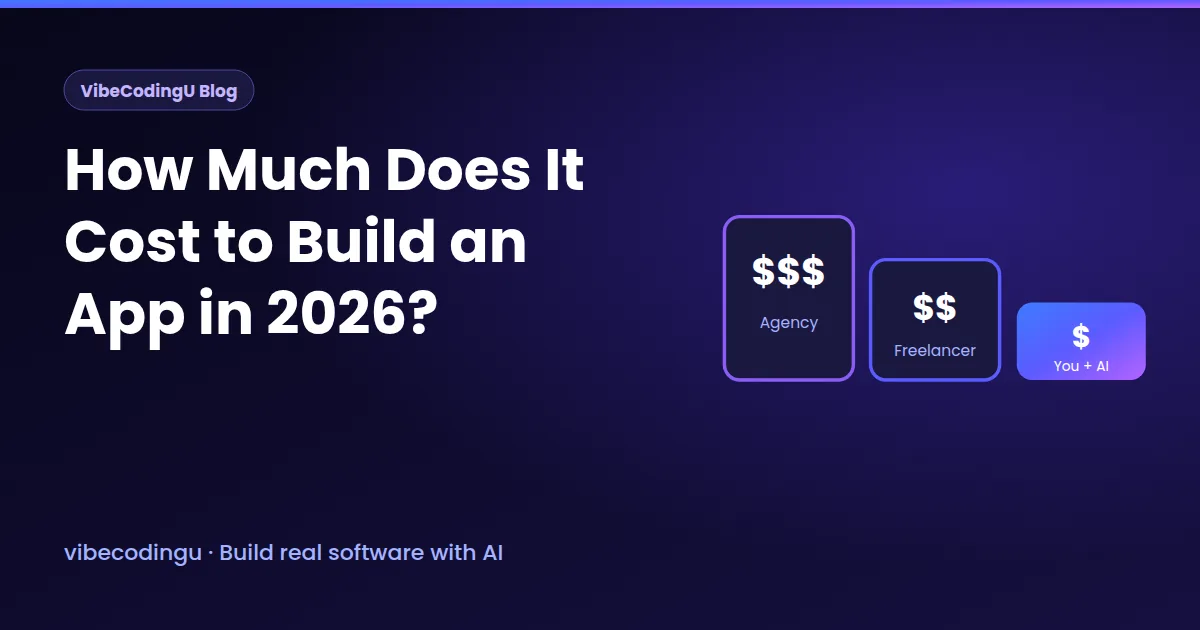
AI builders cost roughly $25 to $50 a month. Hiring a freelance developer in North America often runs $40,000 or more for a first version.
Can I build a mobile app with AI?
Yes. Web apps are easiest. For iPhone and Android apps, AI builders that support React Native can do it, with more steps.
From the blog
Build it step by step, with the exact prompts.
Free account. 25 AI credits a month. No card needed.